

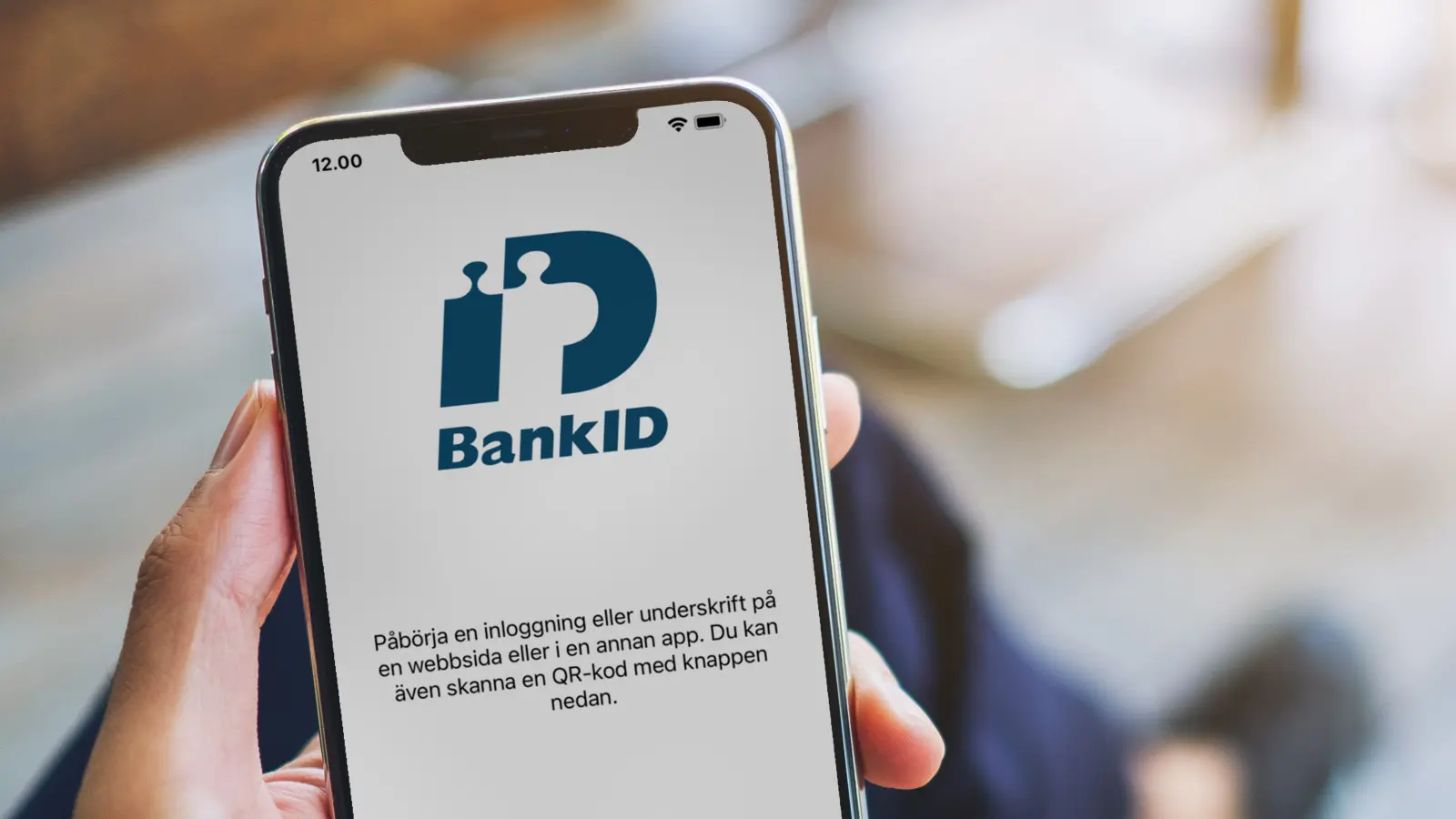

BankID in an app is more than a login button. The short answer: yes, you can integrate BankID into an iOS and Android app, but it changes scope, timeline and total cost. You need a Relying Party path (your own agreement or a BankID-as-a-Service provider), test and production environments, clear same-device and other-device flows, and a plan for how personal identity data is used. Without that, "just add BankID" quickly becomes a project inside the project.
The longer answer covers when BankID is actually needed, login versus signing, what must be in place before anyone writes code, how UX should work in the Secure Start era, and how the integration sits inside ScriptSector's published cost and timeline ranges. This is a buyer's guide for people commissioning app development - not a BankID licence price list.
At ScriptSector, BankID is a listed integration within app development. We wire the flow into the app and backend; BankID agreements, certificates and any third-party fees sit with you (or with the service provider you choose).
When does the app actually need BankID?
Not every app needs BankID. Many work fine with email and password, magic links, social login or a simpler company login. BankID matters when you need strong Swedish electronic identity - typically when the user must prove who they are in a way that holds up for contracts, sensitive data or regulated flows.
Common cases where BankID is the right tool:
- Login to services where the wrong identity has business or legal consequences
- Signing agreements, mandates or consents in the app
- Health, finance, insurance, membership or other flows with high traceability needs
- B2B or public-sector-adjacent apps where the counterpart requires BankID
- Onboarding where you must bind an account to a verified person - not only to an email address
BankID is the wrong tool when you only want "simple login", when your audience does not have BankID, or when you build for an international market where Swedish e-ID does not help. Then pick a lighter auth solution and keep BankID for the flow that truly needs it.
Login is not the same as signing
A common requirements mistake is to say "BankID" and mean three different things.
| Need | What the user does | What you need to think about |
|---|---|---|
| Strong login | Identifies themselves to enter the app or an account | Session handling, returning users, optional "remember device", link to your user directory |
| Signing | Confirms a specific document or decision | Clear copy of what is signed, storage of evidence, flow if signing is cancelled |
| One-time verification | Confirms identity once (e.g. at onboarding) | What you store afterwards, how you avoid asking again without reason |
If "login" really means BankID plus roles, a link to an existing customer register and signing of terms, that is not the same job as a simple account. It is the same scope trap described in How long does it take to develop an app?: fuzzy words become expensive projects.
What must be ready before anyone codes?
BankID in the app rarely starts in Xcode or Android Studio. It starts with agreements, environments and ownership.
Own agreement or BankID-as-a-Service?
As a Relying Party (the party that requests identification or a signature) there are two main paths in practice:
- Your own agreement with BankID / the banks. You become the Relying Party yourselves and handle certificates, environments and follow-up more directly. Fits when volume, control needs or an existing bank relationship make that natural.
- BankID-as-a-Service / intermediary. A provider gives you an API, a sandbox and often a faster start. Fits many apps and MVPs where you want to move without building the full agreement track yourselves first.
Both paths work. Choose based on time to production, internal capability, volume and how critical control is - not based on which one sounds more "enterprise" in a pitch. At ScriptSector we start from the path you have already chosen, or help you pick the category before the integration is locked into scope.
Certificates, test and production
Either way, plan for:
- Access to a test environment (sandbox) before production
- Certificates or keys for the right environment
- Separate configuration for development, test and live
- A clear owner on your side for agreements, billing and support tickets toward the BankID side
- A backend that can start and follow up identification or signing safely - BankID should not live only in the client
Without a test environment and documentation, development stalls even when the rest of the app is ready. Same integration rule as for payments and CRM.
UX: same device, other device and Secure Start
In newer BankID integrations (API v6 / Secure Start), same-device is tied to autostarttoken and other-device to animated QR - not to sending a personal identity number into the auth call as older flows did. BankID in a mobile app is as much about flow as about API. Users expect something familiar from bank and public-service apps.
Same device (autostart)
When the user is already in your app on the phone that has the BankID app, the goal is usually to launch BankID on the same device without unnecessary steps. Good UX means clear status ("Opening BankID..."), handling if BankID is missing or signed out, and a safe return to your app when identification completes or is cancelled.
Other device (QR / Secure Start)
When the user sits at a computer, tablet or another phone, the flow needs QR and today's Secure Start expectations: animated QR and clear guidance so the user knows which device should scan. Static shortcuts and half-finished "open BankID manually" hacks create support load and drop-off.
What to design before development starts
- Where in the app BankID is required (login, a specific action, or both)
- What happens if the user cancels
- How you show errors (timeout, abort, missing BankID app)
- Whether you need both same-device and other-device from day one
- How returning users sign in without feeling that every open is new bureaucracy
Good BankID UX is boring in the right way: predictable, short and clear. Clever shortcuts that break recommended BankID patterns cost more in support than they save in taps.
How BankID affects cost and timeline
BankID itself is rarely the whole app budget. What costs money is that the integration pulls in requirements work, backend, UX variants, testing and often more than "one login screen".
ScriptSector's published levels give a realistic frame (the same ranges as in How much does it cost to develop an app?):
| Type of app | Approximate level | BankID in practice |
|---|---|---|
| Simple app | From about SEK 40,000 | Often without BankID; if required, scope quickly leaves "simple" |
| MVP Sprint | 6 weeks, fixed price SEK 60,000 excl. VAT | Can include necessary integrations such as BankID when they fit the agreed scope |
| Complete business app | About SEK 200,000-500,000 | Common level when login, backend, admin and integrations (sometimes BankID) are included |
| Advanced solution | From about SEK 500,000 | Multiple flows, roles, signing, system links and higher operations needs |
On top of development, third-party costs may apply for BankID, hosting, SMS, payments and similar - the same principle as in the cost guide. Exact BankID fees depend on your contracted path (own agreement or service provider) and are not invented as ranges here.
Publishing still needs developer accounts: Apple Developer USD 149 per year and Google Play USD 25 one-time. That is independent of whether the app has BankID.
On timeline, BankID is a classic "it takes longer if the inputs are missing" integration. With agreement, sandbox and clear UX flows, it can fit a focused MVP. Without them, the project stretches even if the coding itself is straightforward. An MVP Sprint works when BankID is prioritised and included - not when it is slipped in during week five.
Personal identity numbers and privacy (high level)
BankID means you handle strongly identifying data. This is not legal advice, but as a buyer you should answer early:
- Why you need a personal identity number or other identifying result - purpose limitation
- What you store after a successful identification or signature
- Who can see the data (support, admin panel, subprocessors)
- How long you need to keep evidence or logs
- What the user is told in the app and in the privacy text
Do not build an app that "collects personal numbers because it might be useful later". Ask for what you need for the flow you actually run, and make sure backend, logs and admin UI do not leak more than necessary.
Common mistakes when adding BankID to an app
Treating BankID as "normal login". That underestimates agreements, UX variants, error handling and testing.
Starting to code before the Relying Party path is chosen. Without a sandbox and a clear API path, every sprint becomes guesswork.
Building only the same-device flow. Many users start on the web or another device. Without a QR/Secure Start path you lose them.
Forgetting cancellations and errors. Timeouts, aborted identification and a missing BankID app are normal cases - not edge cases.
Mixing up app store accounts with BankID agreements. Apple and Google accounts are for publishing. BankID is a separate track with its own requirements.
Adding signing "later" without designing the flow. Signing affects copy, storage and support. Plan it as its own user journey.
If you are taking over an existing app where BankID already exists (or is missing), the right first step is often a technical review - the same logic as in Taking over an existing app.
React Native or native?
BankID works with both native (Swift/Kotlin) and React Native. The difference is rarely "is it possible?" and more often how you launch the BankID app, return to your app, and keep certificates on the server. Choose the overall stack based on product and maintenance - see iOS and Android app development: technology choice.
WebViews - short verification
Authentication happens in the BankID app. Official Swedish Relying Party Guidelines describe how to *launch* the BankID app from a browser or native app (including https://app.bankid.com/... or bankid://...), not how to embed BankID's UI in your own WebView. Do not build a fake BankID UI inside a WebView. (Norwegian BankID on bankid.no has its own stricter WebView rules - that is a different product.)
Market comparison of integration cost (not a ScriptSector quote)
ScriptSector does not publish a standalone fixed price for a "BankID module" only. For market context: Swivrr's 2026 BankID integration price guide lists implementation around SEK 20,000-100,000, simple BankID-as-a-Service login on an existing web app around SEK 20,000-35,000, login plus signing / new web or mobile around SEK 35,000-60,000, and that a mobile app can add roughly SEK 20,000-40,000. Ongoing fees are typically described as SEK 300-2,500/month plus about SEK 0.50-2.50 per authentication via a broker. Source: swivrr.se/priser/vad-kostar-bankid-integration. That is Swivrr's market comparison - not ScriptSector's quote.
Checklist before you ask for a quote
- Do we need BankID in version one, or is simpler login enough first?
- Login only, or signing too?
- Same-device, other-device/QR (Secure Start), or both?
- iOS, Android, web - which surfaces share the same identity?
- Own bank agreement or BankID-as-a-Service?
- Is handling of personal identity numbers and purpose decided?
- Do we have a test environment/test users and someone who can approve agreements quickly?
- App Store demo account: how does the reviewer log in without production BankID?
- Should BankID connect to an existing user directory or CRM?
- Who owns certificates, provider accounts and production keys after delivery?
FAQ
Can BankID be part of an MVP?
Yes, if it is necessary for the core flow and fits the agreed scope. In ScriptSector's MVP Sprint, necessary integrations such as BankID can be included when they are prioritised and scoped from the start. What does not fit waits for the next iteration.
Do we need our own BankID agreement to build the app?
Not always from day one, but you need a clear Relying Party path: your own agreement or a BankID-as-a-Service provider. Without one of those, you will not reach real production.
Does BankID take longer than regular login?
Usually yes - mainly because of agreements, environments, more UX paths and stricter testing, not because the button itself is magically complex. See more on how scope drives time in How long does it take to develop an app?.
What does BankID cost beyond app development?
Third-party costs may apply depending on the contracted path and volume. ScriptSector surfaces them in the project but does not publish generic BankID price lists here. Development cost follows the rest of the app's scope according to the levels above. For market comparison, see the Swivrr section above.
Does BankID work with React Native?
Yes. React Native can open the BankID app and handle return, provided native linking is set up correctly and the backend handles the sensitive parts. Established, but not plug-and-play.
Next step with ScriptSector
If you know the app needs strong Swedish e-ID: start with purpose (login, signing or both), Relying Party path, and which devices users actually sit at. Then you can estimate whether BankID fits an MVP, a complete business app or a larger engagement.
At ScriptSector, BankID is among the integrations we build in app development. Get in touch via contact and we will walk through need, scope and which level is realistic before you lock the budget.